Which website builder is best for SEO?
When it comes to search engine rankings, SEO isn’t just about the platform you choose—it heavily depends on experience, content quality, backlinks, keyword strategy, and other key factors. However, the website builder you use plays a crucial role in giving you the tools to optimize your site effectively.
In this guide, we focus strictly on the technical SEO features of four popular website builders—Divhunt, Wix, Webflow, and WordPress—outlining what each platform offers to enhance your search engine visibility. Let’s dive in.
Divhunt For SEO: Speed, Crawlability & Local SEO Features
Balancing no-code web design with powerful customization options, Divhunt is an expansive website builder for SEO that helps you create optimized sites by default, with high performance and design quality.
Exceptional Site Speed
One of the top SEO features Divhunt offers is speed - a core factor driving Google rankings and smooth user experiences, for that matter. Divhunt combines:
- Global CDN Hosting
All Divhunt sites are hosted on global CDN, the leading solution for lightning-fast speeds.
- SPA Prerendering
SPA (Single Page Application) prerendering makes your webpages load instantly with no refresh time - aligning with mobile-first indexing - Google’s latest prerequisite for high rankings.
What SPA does is load a single HTML page and dynamically update its content as the user interacts with your website, in contrast with current standard technology MPA (Multi-Page Application), which loads content one page at a time.
- Low Crawl Budget Optimization
Thanks to CDN, SPA, and other SEO enhancements, Divhunt sites consume a minimal crawl budget, giving Google bots the space and specs they need to index all of your pages in your allocated crawl time.
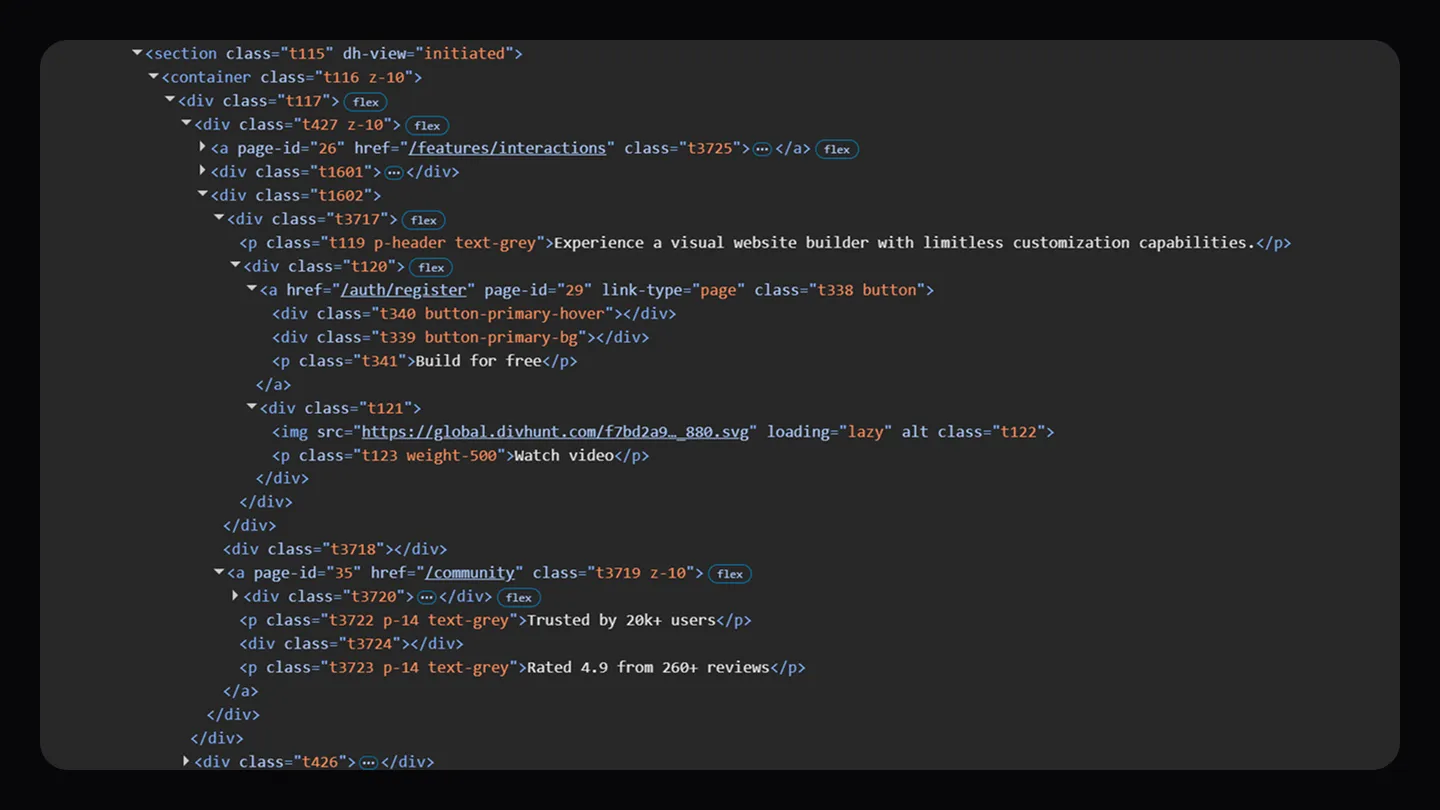
Clean Code (Semantic HTML)
Doing away with backend clutter, Divhunt sites boast clean, semantic HTML, i.e., well-structured and properly tagged code that spoon-feeds your content to Google for faster indexing and better rankings.
Semantic code also enhances accessibility as it facilitates screen readers decipher your content for visually impaired users (another impactful SEO factor).
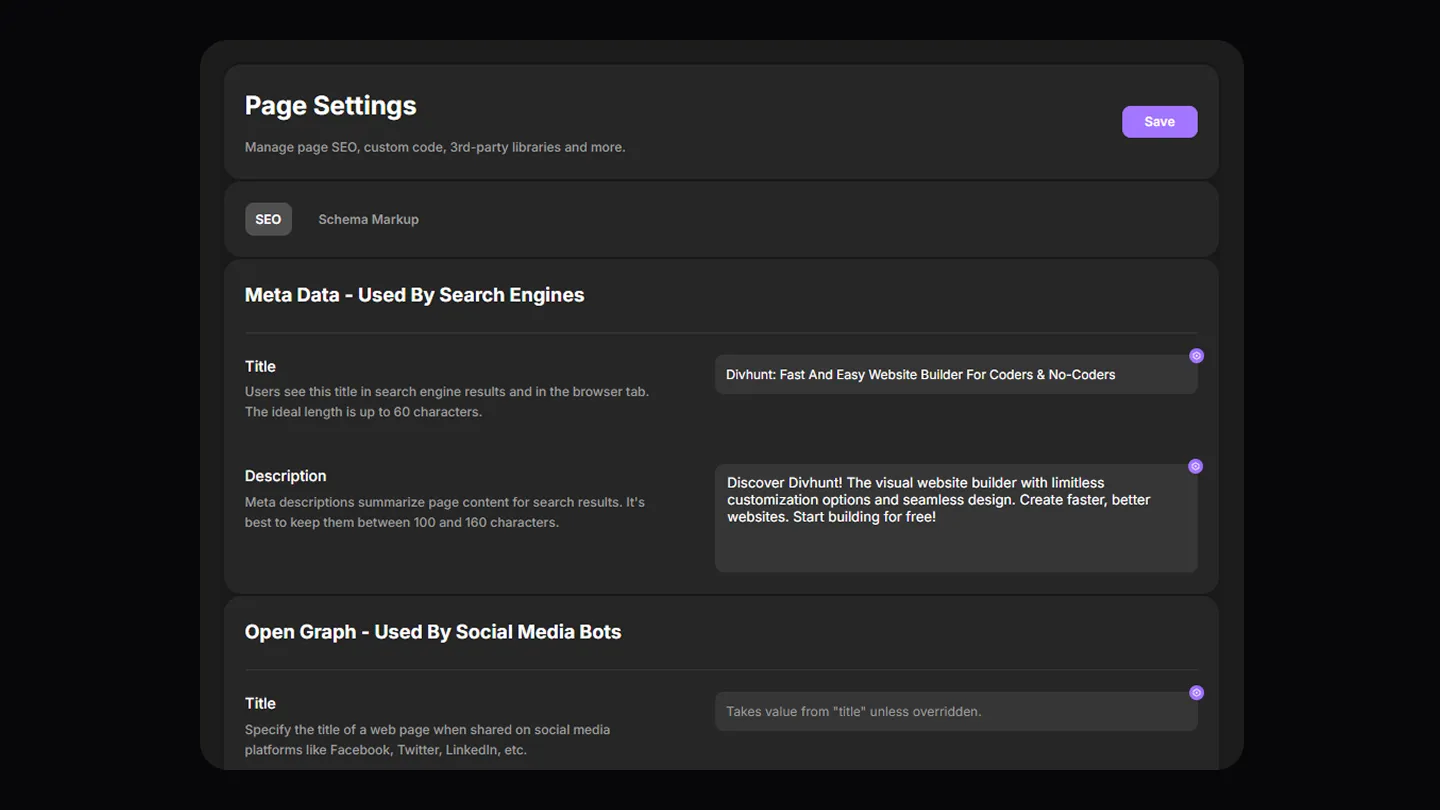
Easy Metadata Management (Automatic Or Manual)
It’s easy to set keyword-focused page titles, descriptions, and slugs for every page via your Divhunt CMS (Content Management System). However, if you want to speed up your work, you can use the platform's automated meta tags functions.
Built-In Analytics For Website Performance & User Behavior
Divhunt’s personalized analytics dashboard tracks essential metrics and gives actionable insights to improve your site performance and user experience. Tracking such detailed metrics improves your overall on-page and technical SEO.
Divhunt’s analytics dashboard includes:
- Real-time visitors
- Top pages
- Errors (like 404 pages)
- Request speeds
- Crawl requests from search engine bots
- Peak Traffic times
Robots.txt Customization
You can edit your website’s robots.txt right from the Divhunt platform to ensure Google sees only the pages you want it to.

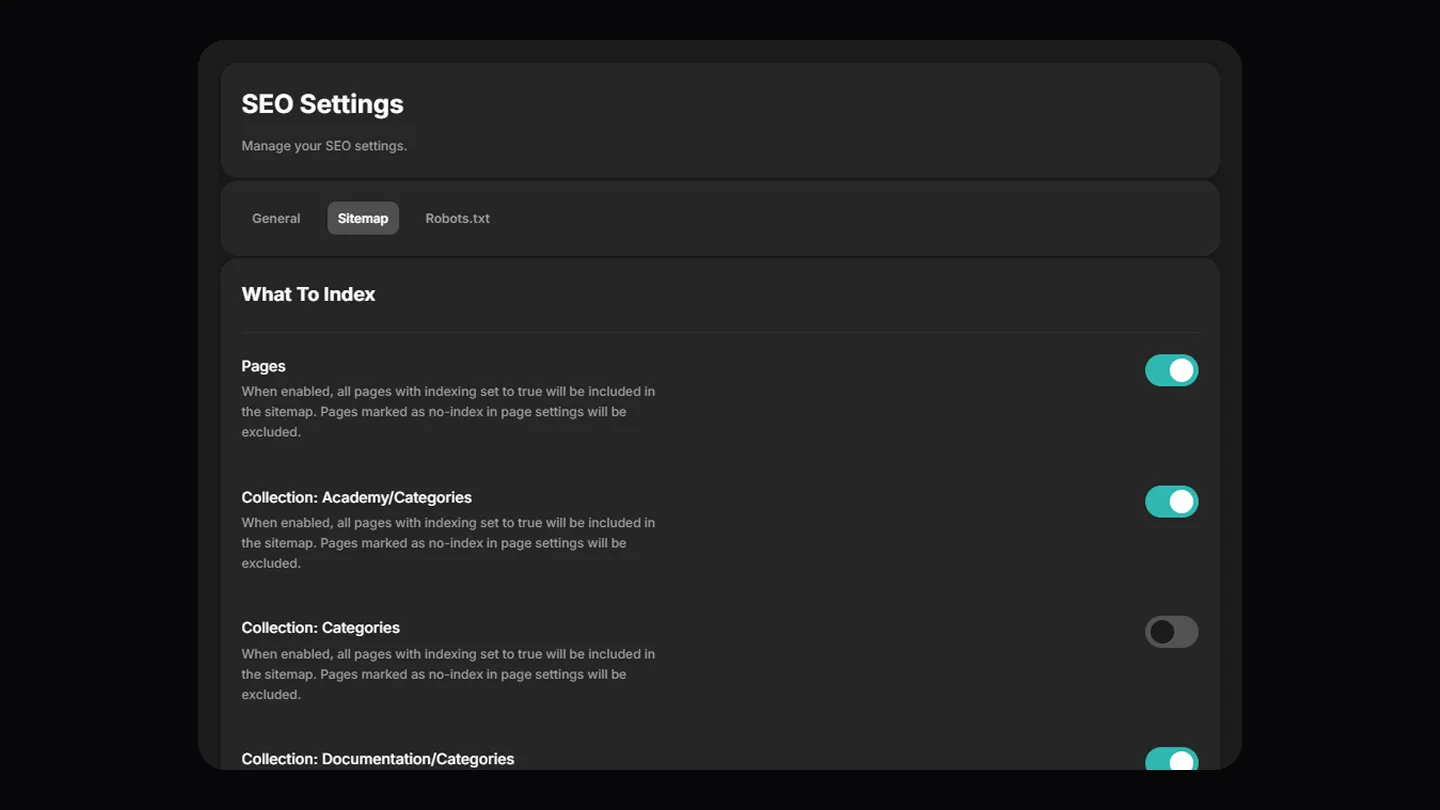
Sitemap Management
Your website’s sitemap is auto-generated in Divhunt. Still, you have the option to customize it fully if you wish to.
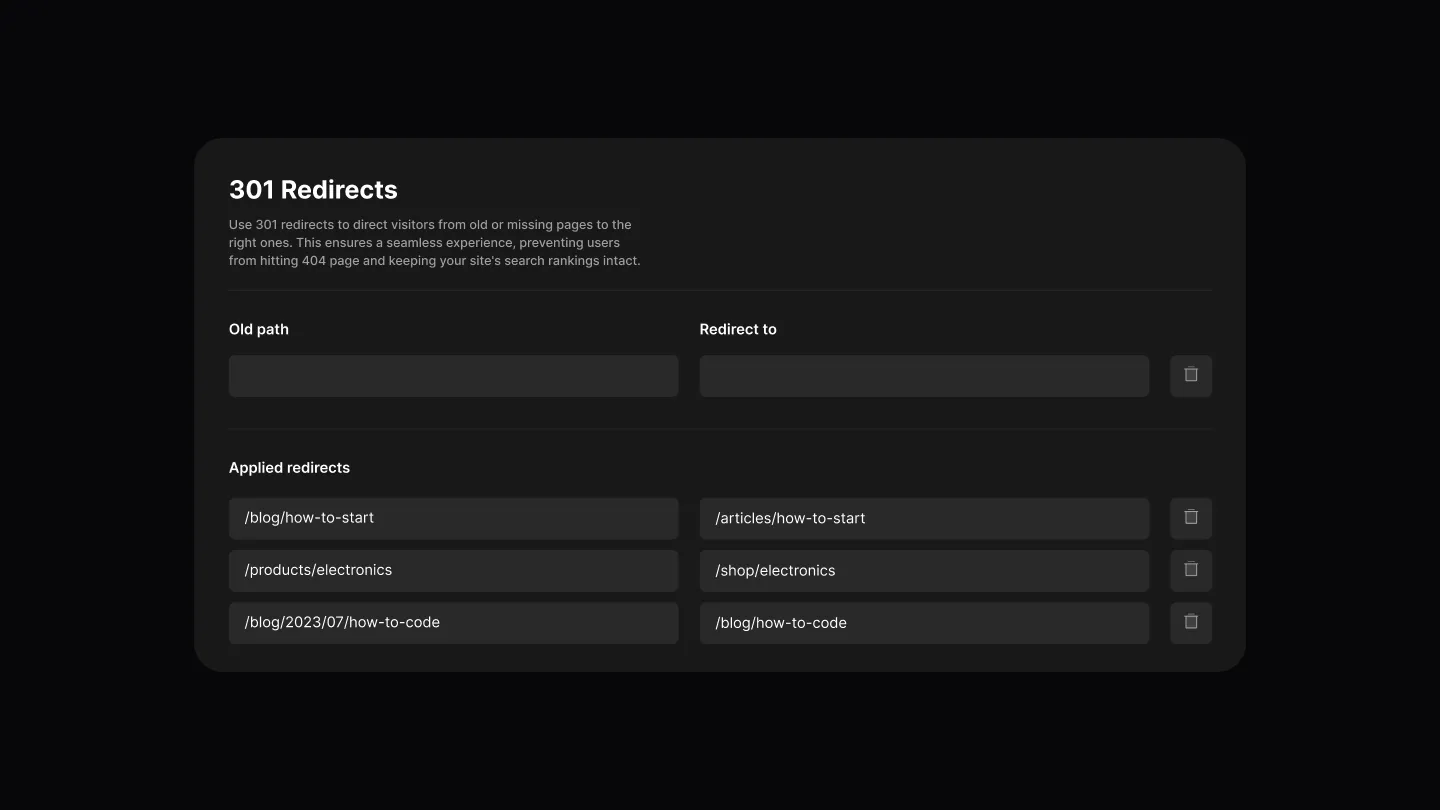
301 Redirects
As a top website builder for SEO, Divhunt gives you the option to handle your 301 redirects within the platform.
Schema Integration
Structured markup can be added automatically or manually within Divhunt.

Localization For Multilingual SEO (Without Paid Plugins)
Divhunt’s unique multilingual capabilities help you translate your site into up to 15 languages for free. Plus, you can manage local SEO elements separately for each language.
Wix: Simplified SEO For DIY Projects
Wix is an easy-to-use website builder, where basic SEO tools are automated for DIY optimization. Plus, you can integrate Google Search Console (GSC) reporting for greater convenience.
Easy SEO Settings Management
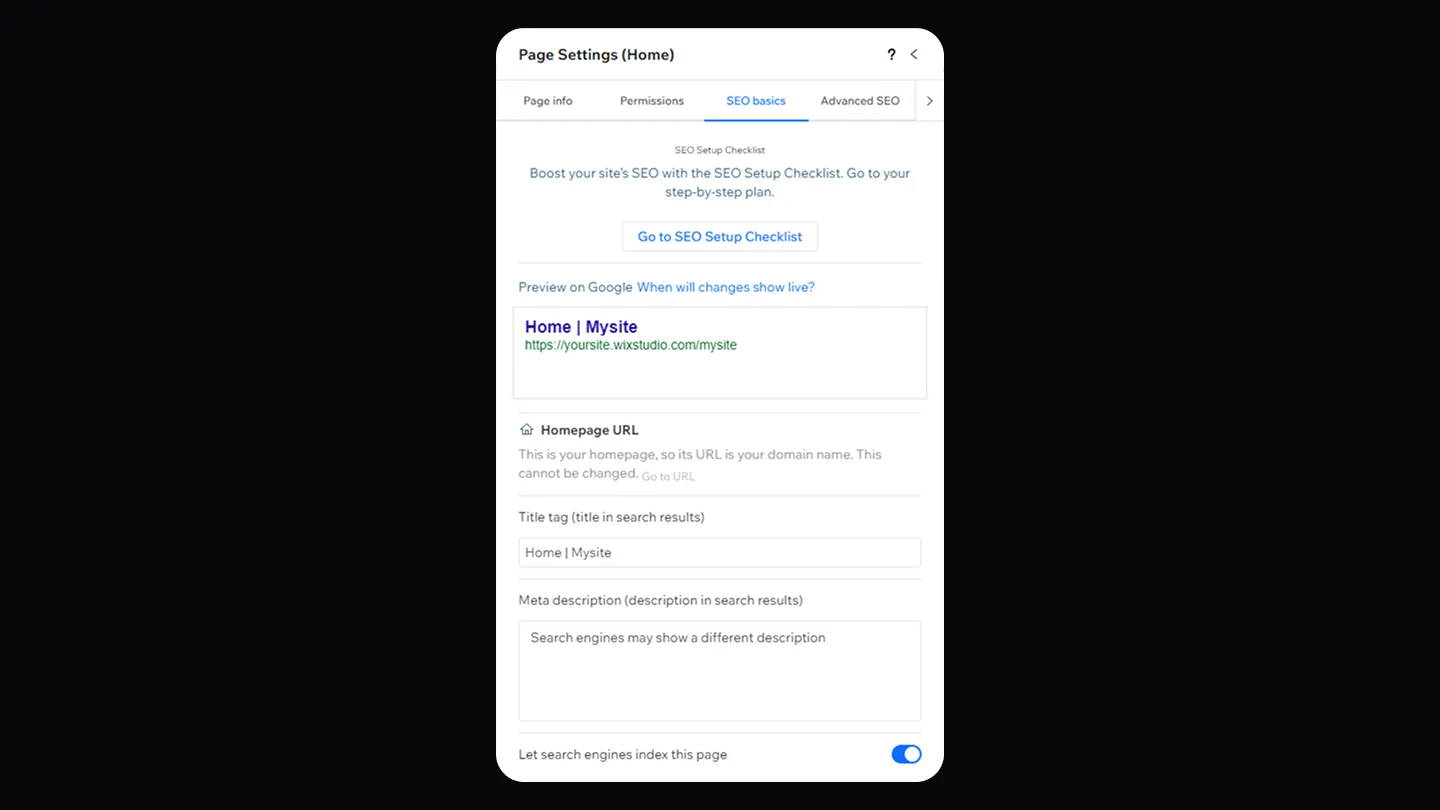
Wix provides an ‘Edit By Page’ and ‘Edit By Product’ table where you can quickly set URLs, page titles, meta descriptions, and indexability status (i.e., indexable, not indexable) from a list of pages.
Alternatively, you can leave it all up to your Wix AI helper that creates automated page titles and descriptions for you.
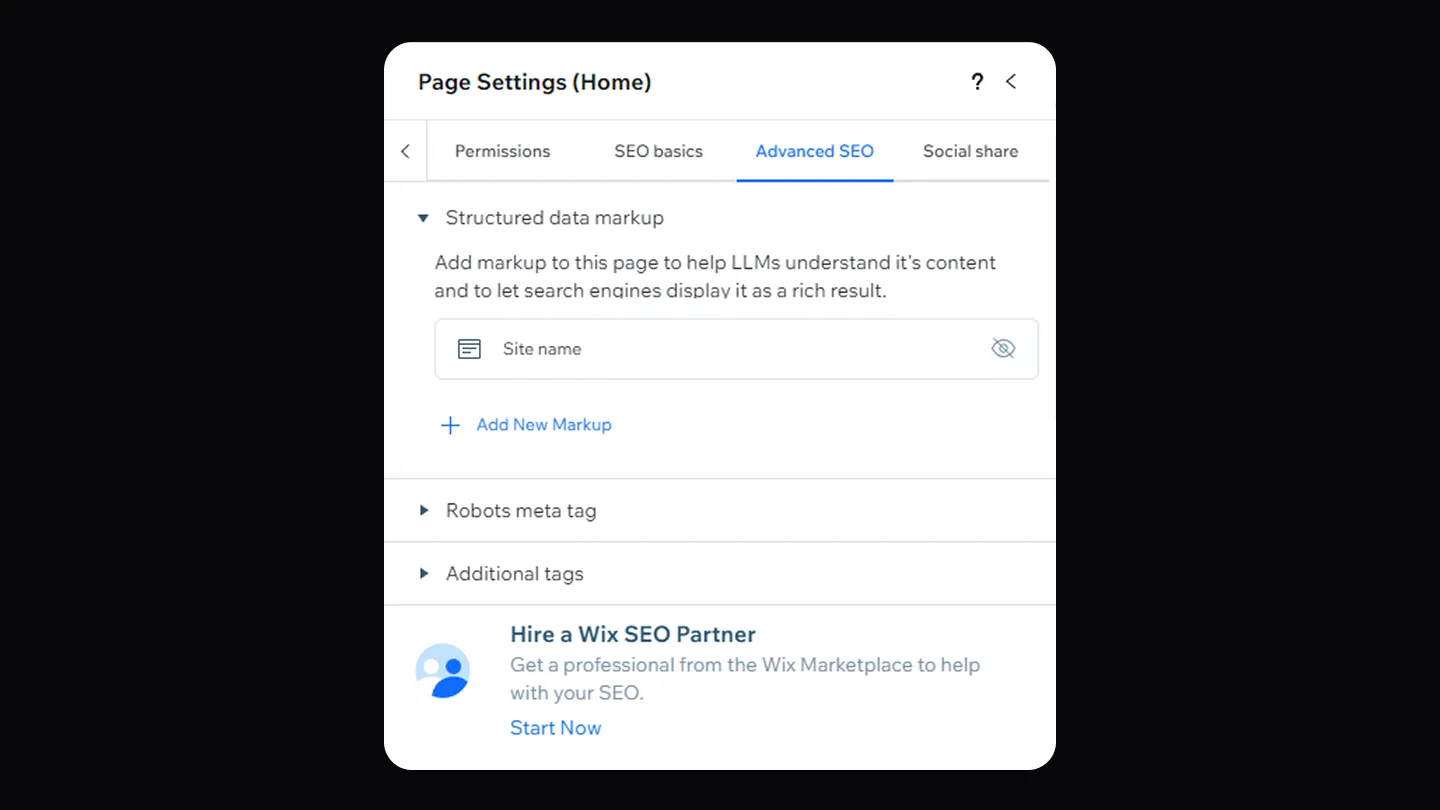
Automated Structured Data Markup
Wix includes ready-made structured data markup for dynamic pages - like products and blog posts. But, you can also set markup presets for similar pages or create your own custom markups for each page, and help Google understand your content better.
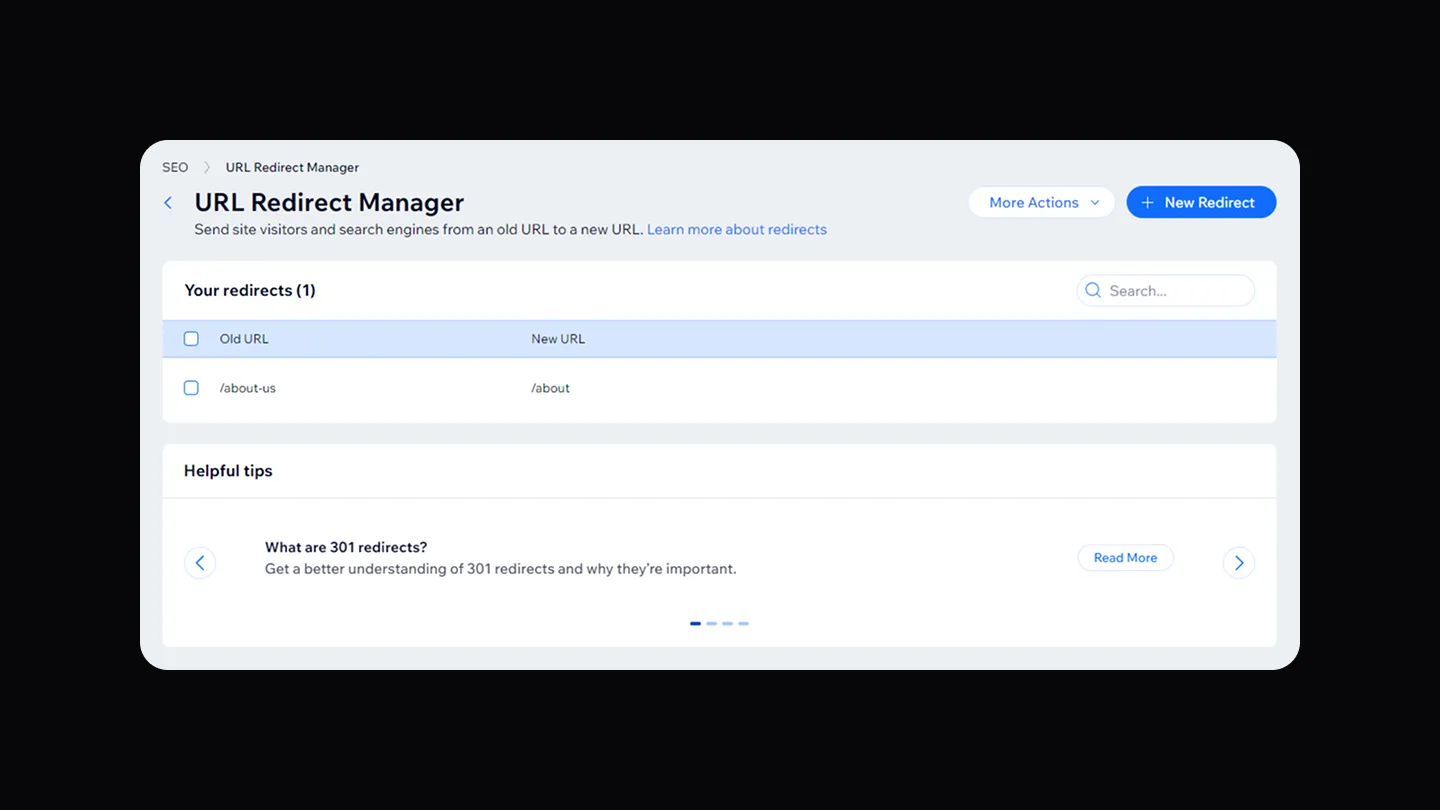
301 URL Redirects (Incl. Bulk Redirects)
The builder’s redirect manager allows you to create and manage single or bulk 301 redirects manually.
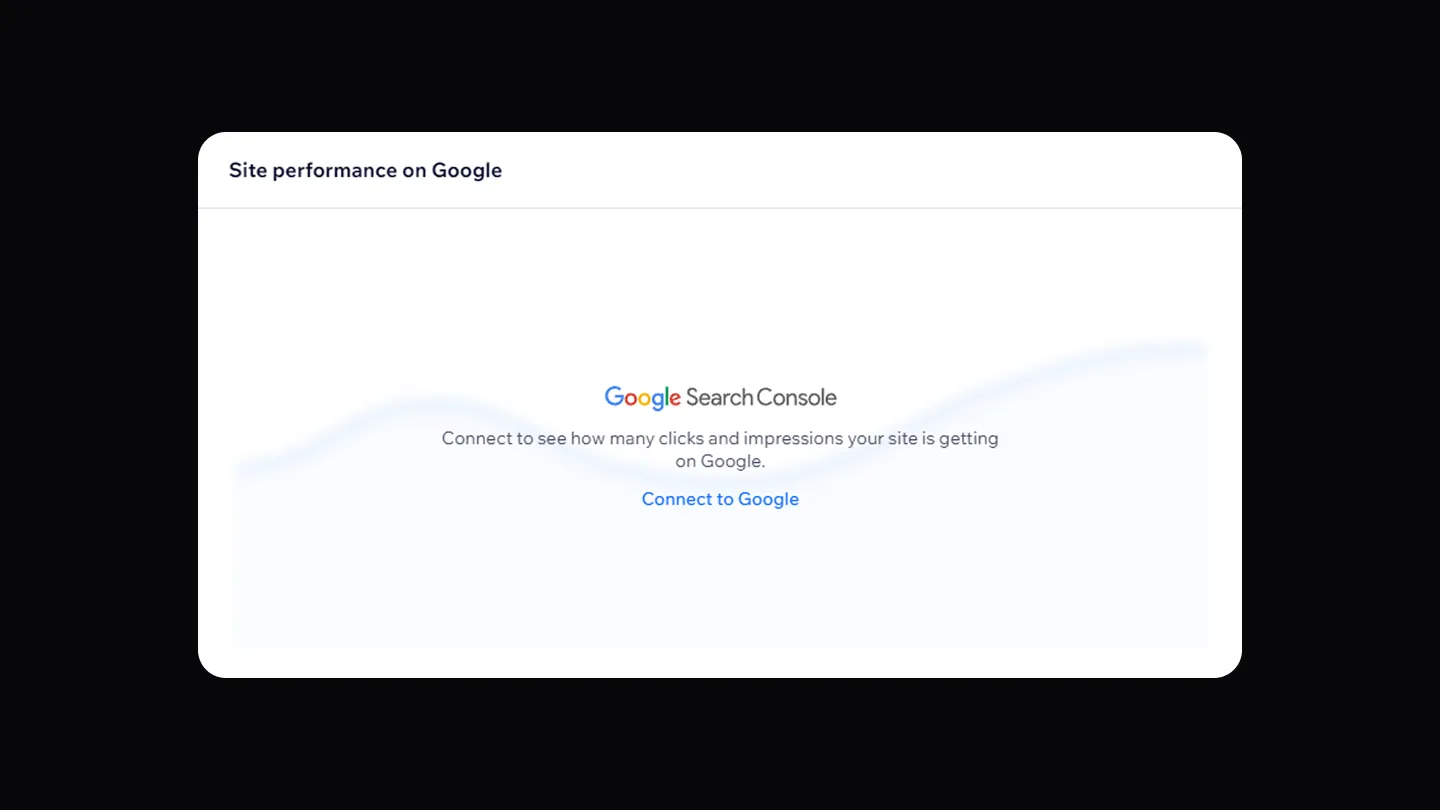
Google Search Console Integration For Faster Monitoring
If you handle your website’s SEO yourself, you can integrate Google Search Console monitoring inside Wix. You’ll thus be able to see GSC reports on impressions and clicks, page indexing and crawling status without leaving the platform.
Optimized Site Infrastructure
To speed up page loading, Wix offers Server-Side Rendering (SSR), which means that your pages are rendered on the server, not the browser. Although this is not as fast as the SPA above, it offers very short load times, as page elements are all loaded at once.
As for your sitemap, it is automatically created and updated within Wix.
Automatic Image Compression
Wix compresses and converts your images into .webp format - the lightest image format type that preserves quality. Still, it’s always a good practice to use lightweight images for faster web loading.
CDN Hosting Improves Site Speed
Wix websites are hosted on CDN to ensure speed and uptime, even during traffic spikes.
Webflow: Added Enhancements For Code-Savvy Users
Webflow is a drag-and-drop platform that comes with fast hosting and various SEO-friendly functionalities. There are various features you can take advantage of in Webflow - especially if you opt for a paid plan and have some coding knowledge.
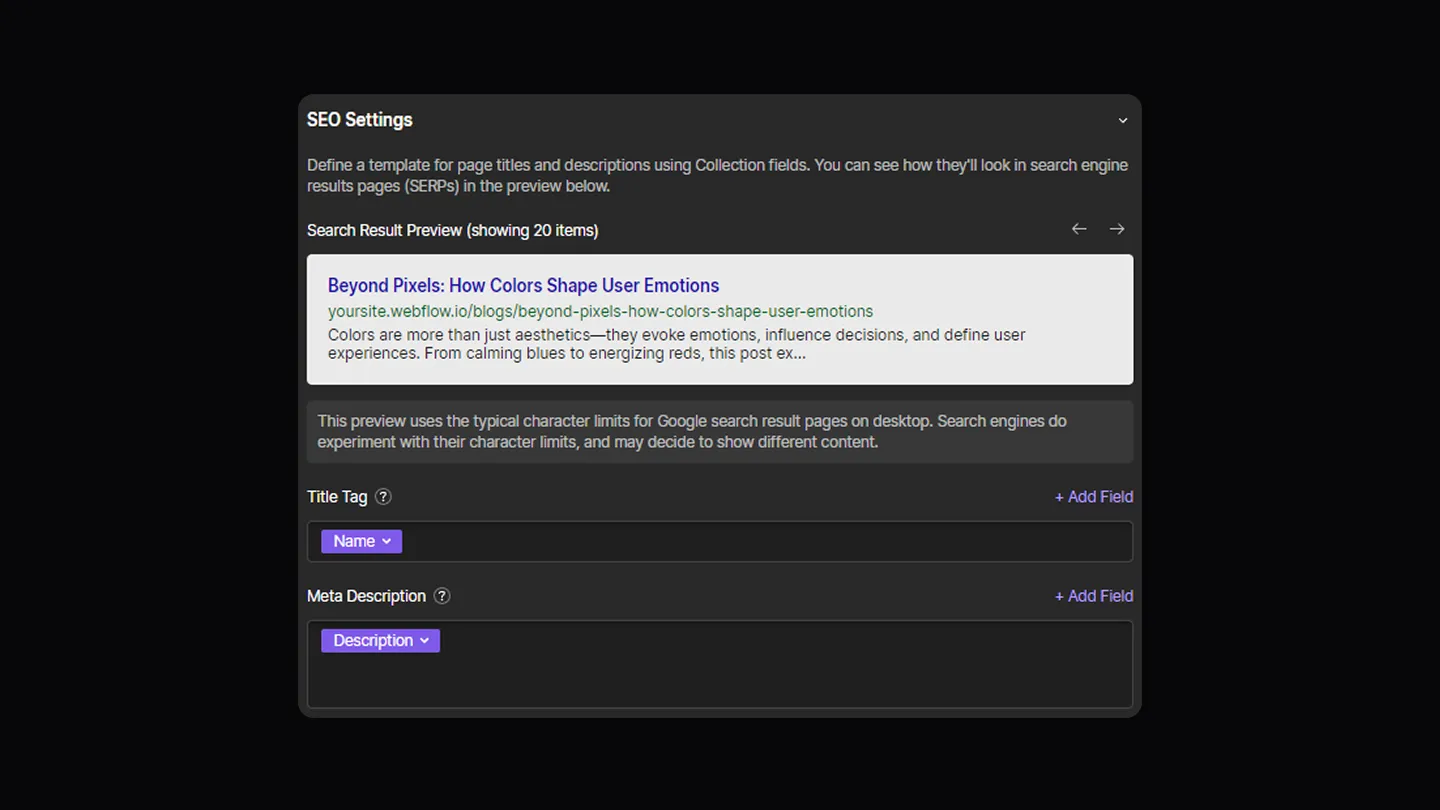
Automated Meta Data For Dynamic Content
Meta titles and descriptions are automatically generated using fields from CMS Collections to speed up optimization for dynamic content. Still, you can edit meta titles and descriptions on your own if you wish to.
Sitemap Management
A sitemap is generated with a few clicks, and changes are published live instantly.

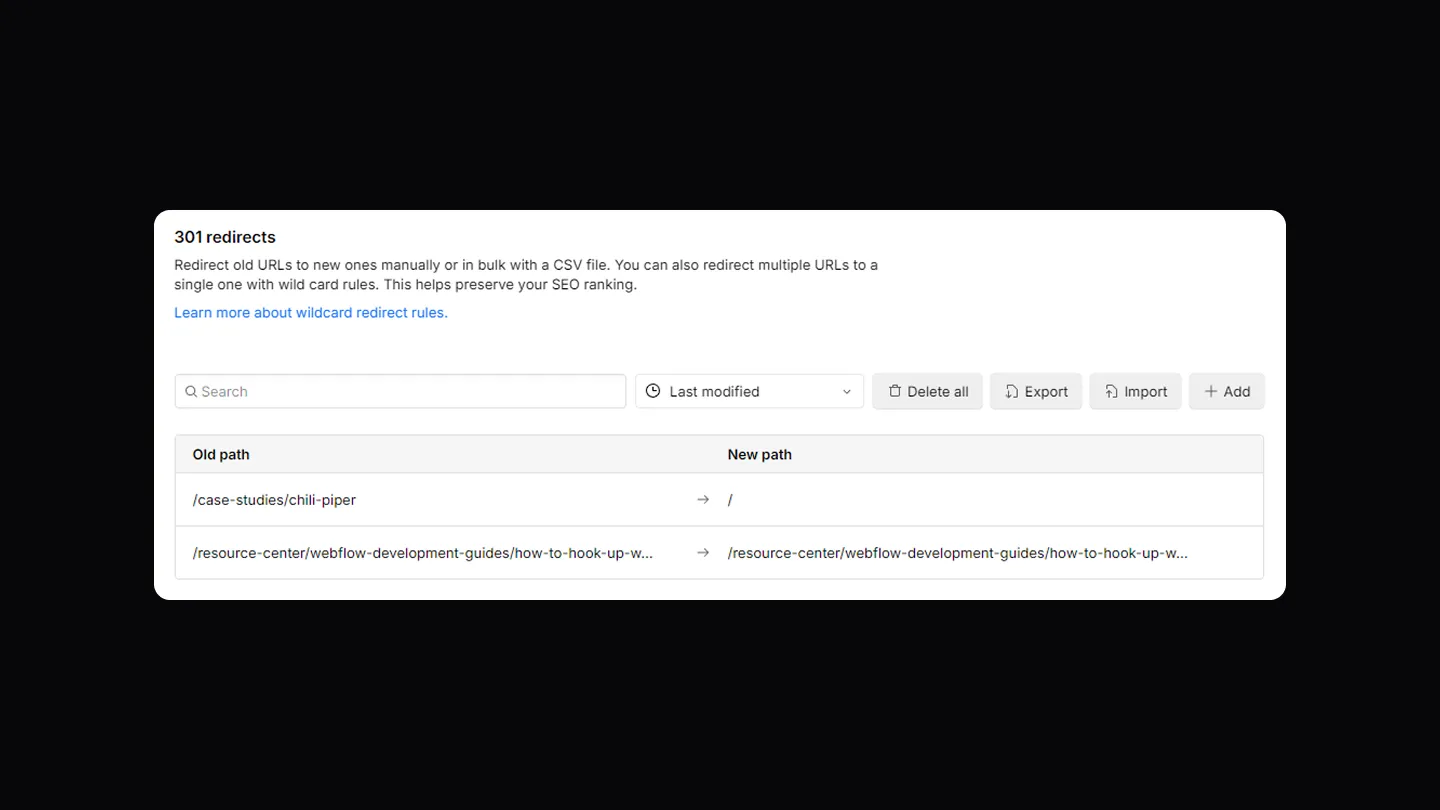
301 Redirects Made Easy
In Webflow’s site settings, you can redirect old pages, folders, and URL structures to existing URLs so that Google doesn’t get outdated content signals.
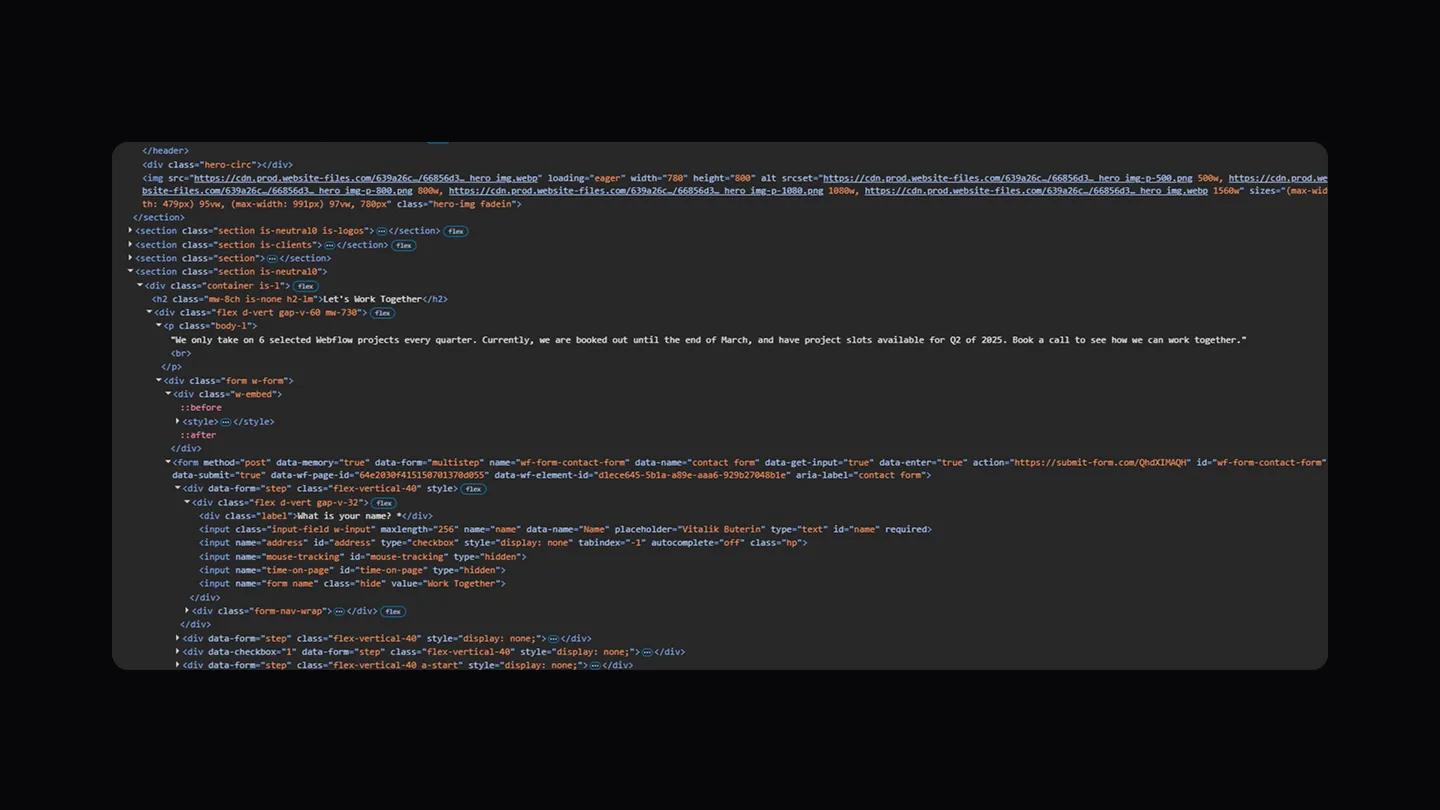
Clean HTML For Better Visibility
The platform generates well-structured and organized code - clean from redundant tags and classes so that Google bots can better understand the content and context of your pages.
High-Performance Hosting
All site plans include fast CDN hosting to maximize performance and reliability, even for high-traffic websites. However, you’ll need to purchase a paid plan if you wish to have a website with your own domain name.
WordPress: Full Customization Options For Skilled Users
WordPress can be a good choice for SEO, depending on the builder you choose, the plugins you install, the structure of your pages, and the hosting you purchase.
In other words, you’ll need to have some familiarity with web design and search engine optimization practices to raise Google rankings for your WordPress site.
Large Choice Of Plugins For SEO Features
In WordPress plugin marketplaces, you can find numerous free and paid plugins that cater to nearly every aspect of SEO, e.g., auto-generated sitemaps, 301 redirects, caching, metadata fields, keyword integrations, and more.
Some ‘all-in-one’ SEO plugins, like Yoast and Rank Math, are usually the best options for average SEO needs.
Built-In Blogging Capabilities
Originally built as a blogging platform, WordPress offers robust blogging tools that help you enrich your website with keyword-focused articles and then group them by category, tag, or other custom taxonomies tailored to your website needs.
Permalink Structure Customization
This is another stranded WordPress feature where you can set your default link structure to align with your website’s SEO.
You can, for example, determine your URLs to look like this: www.example.com/2025/01/15/post-name/ (useful for news site articles)
or like this:
www.example.com/post-name/ (better for business site blog posts).
Code Optimization Capabilities
Web designers and developers have the option to edit the website’s code and apply various customizations that affect technical SEO, such as sitemaps, robots.txt files, CSS, JavaScript, etc.
So, if you have a solid coding background, you can get to the root of your website and work on SEO-friendly code. Relevant plugins also help optimize your website’s code for better Google indexing and ranking.
So, Which Website Platform Is Best For SEO After All?
Summing up, here are some key takeaways to keep in mind when choosing a website platform for SEO.
- Best SEO Website Builder For High Performance: Divhunt
Features include reliable CDN hosting for ultra-fast speeds, minimal crawl budget, and semantic HTML for fast and streamlined Google indexing.
- Best Website Platform For DIY SEO & Simple Projects: Wix
Offers various SEO automations and integrated Google Search Console reports to facilitate DIY or beginner SEO projects.
- Best Platform For SEO With AI-Integrations: WordPress (incl.Yoast or Rank Math Plugins)
WordPress add-ons allow you to utilize the power of AI for keyword implementations, automated content optimizations, and more.
- Best Free Website Builder For SEO: Divhunt
Divhunt’s one of the few website builders where you can build a website for free with your own domain name, numerous SEO tools and cutting-edge design features.
On top of being a great site builder with SEO, Divhunt offers ultra-stylish and 100% responsive templates, an intelligent no-code CMS with custom code flexibility, and a vibrant community that’s ready to help out in your web design endeavors.
Experience the world of Divhunt. Start a website for free.