











 Divhunt for beginners
Launch a professional website. Just start chatting.
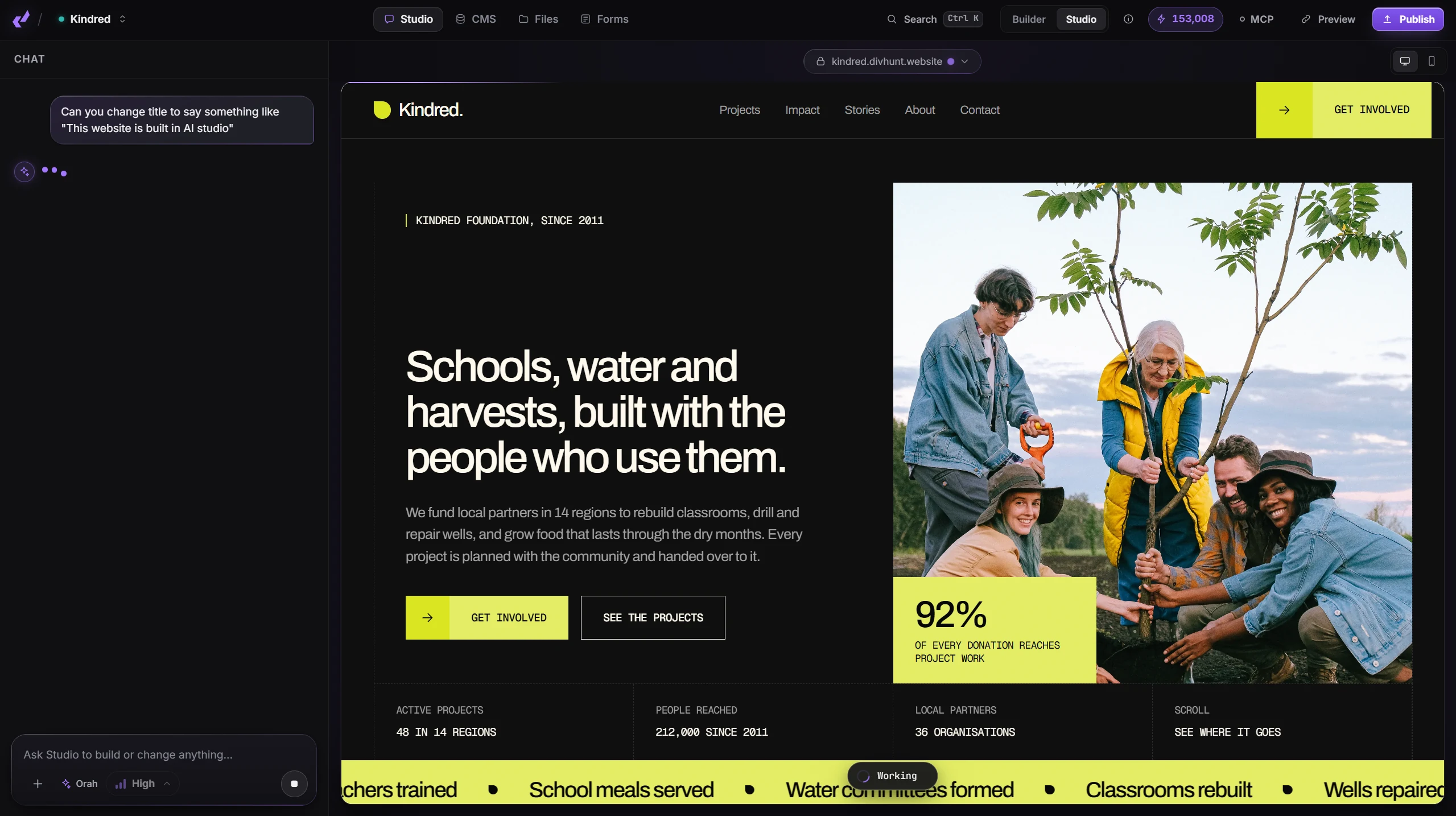
Describe your business and AI Studio builds the site. Hosting, CMS, forms and SEO are already set up.
+ / 001 /Built in
Nothing to set up. It is all built in.
Your business deserves a site that impresses customers, gets found on Google and loads fast. Everything for that is built in, including up to 15 languages, with the CMS on Business and up.

Hosting included
Fast managed hosting with a global CDN. No servers to set up.

A built-in CMS
Keep blog posts, services or team members in one place and edit them anytime.

Forms that work
Contact and booking forms store every submission for you.

Found on Google
Sites are optimized for search by default, with a title and description for every page.

More languages
Add a language and translate your site by hand or with AI.

No code needed
Everything happens through chat. Custom code is there if you want it, but you never have to write any.
+ / 002 /How it works
From idea to live site. In a few messages.
Describe what you need in the chat on the left. Watch your live site update on the right.
Just describe it.
Ask for pages, sections, text or a booking form in plain words. AI Studio builds it on the full Divhunt platform, so there is nothing to wire up.

Pick a template
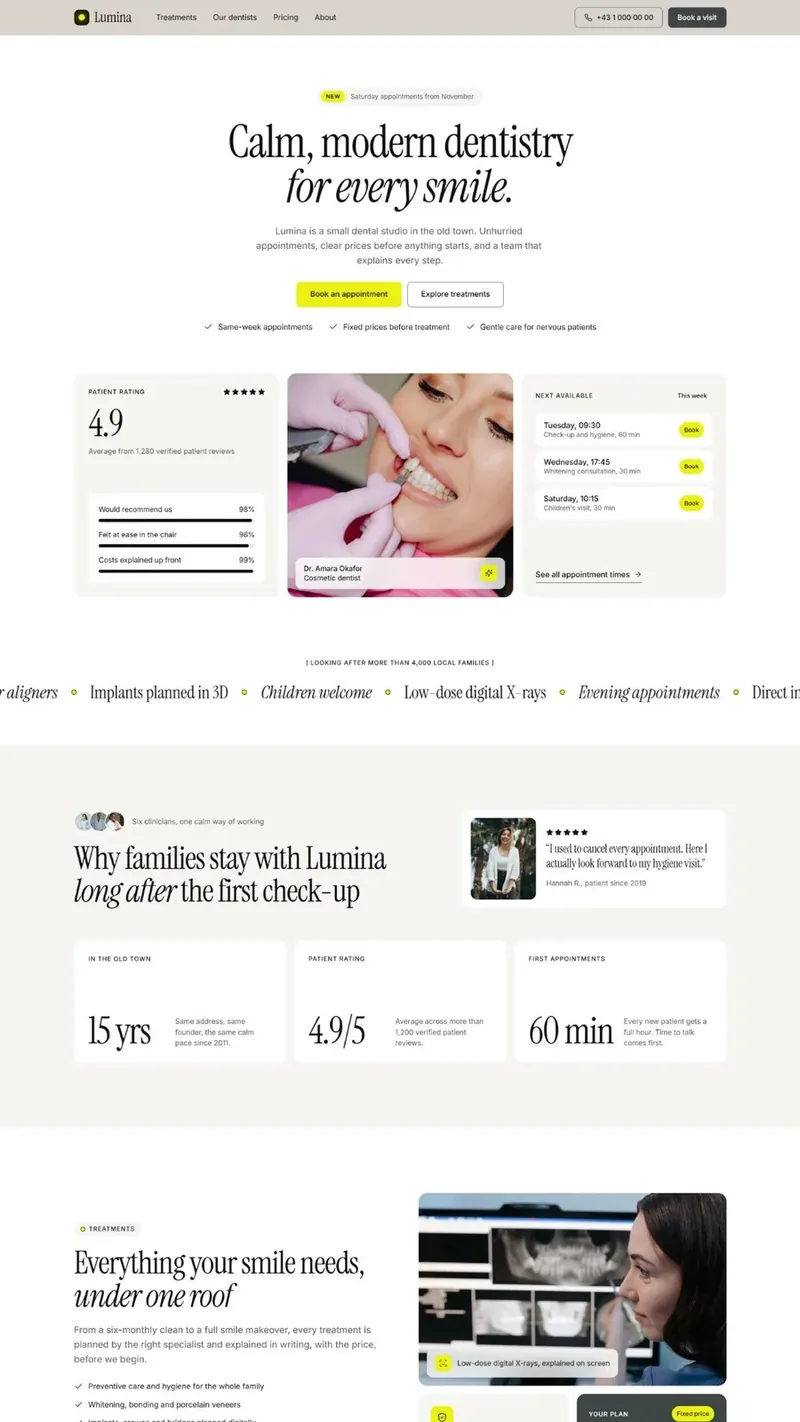
Start blank or pick a template and keep the sections you like.

Chat to make it yours
Ask for new pages, text, colors or sections and watch each change appear live.

Go live
Connect your own domain and publish, or use the free Divhunt domain.
+ / 003 /Templates
Start from a template, then just chat to make it yours.
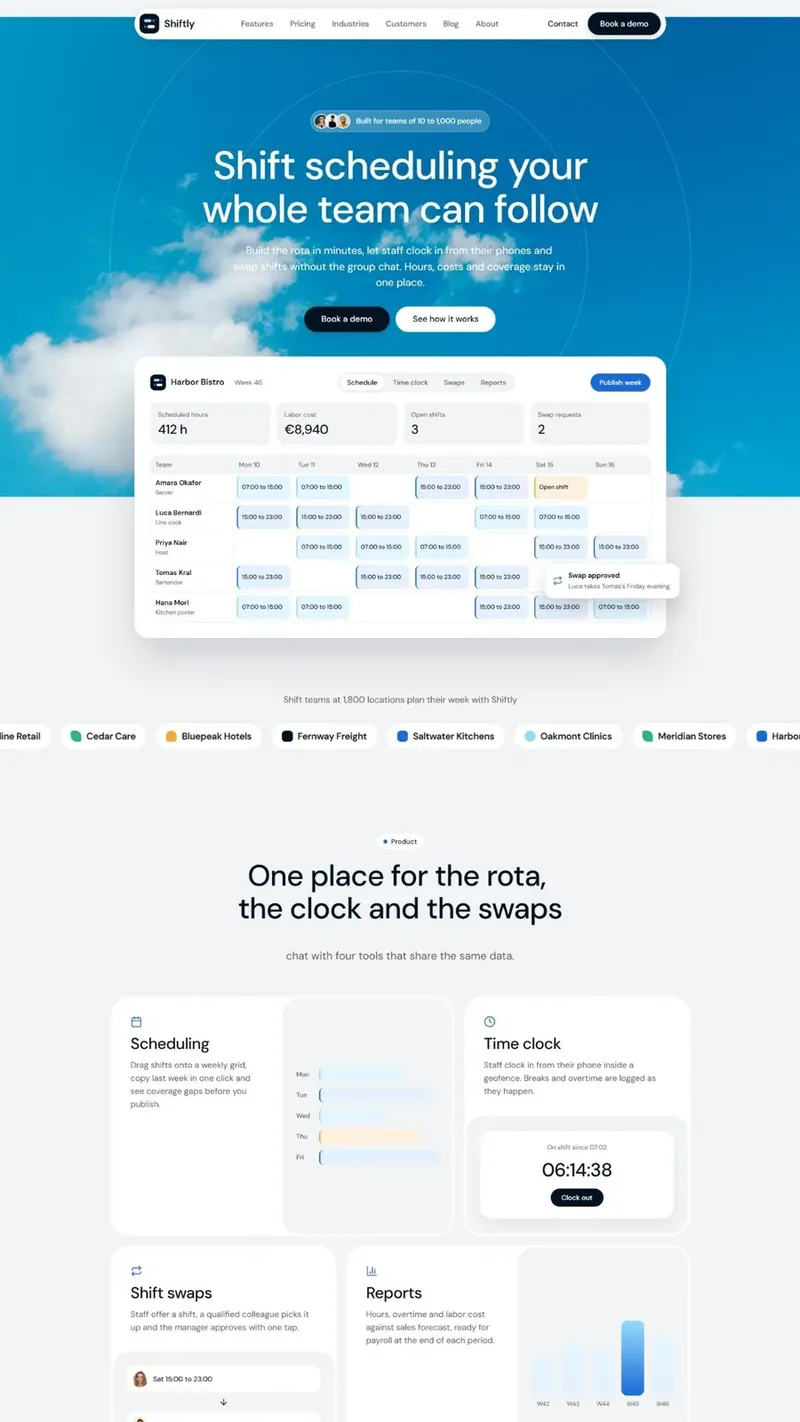
Every template is a complete Divhunt project. Pick one and ask AI Studio for the changes you want.
View all templates →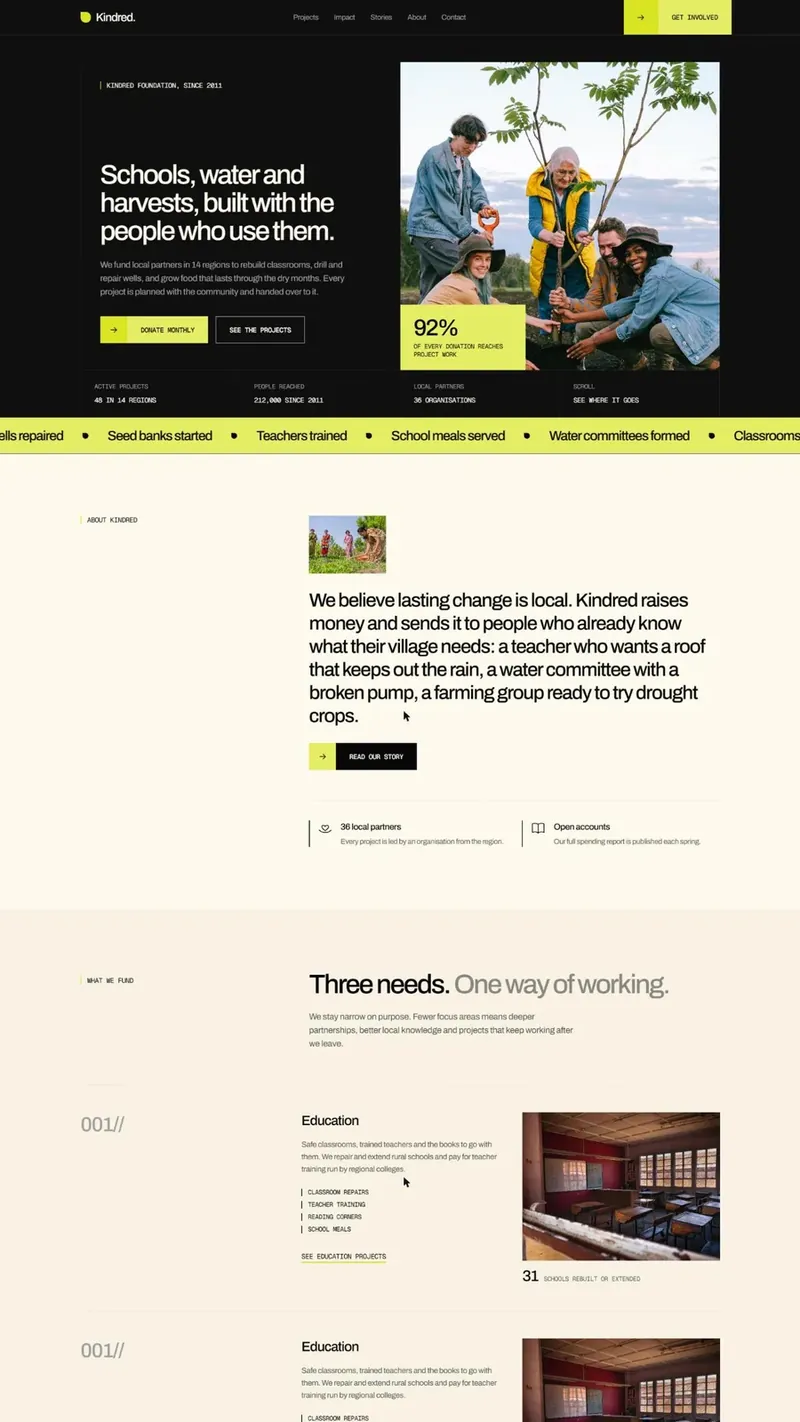

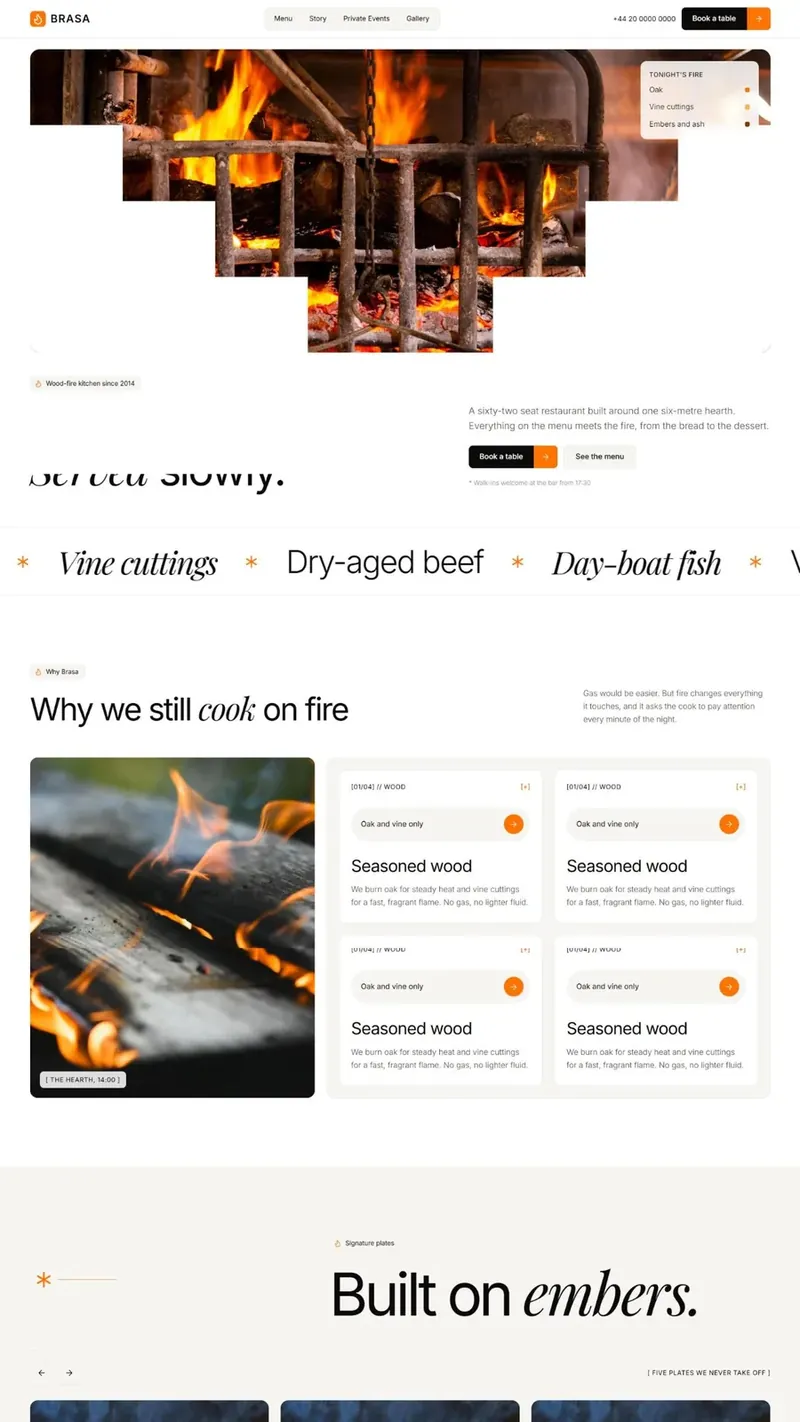
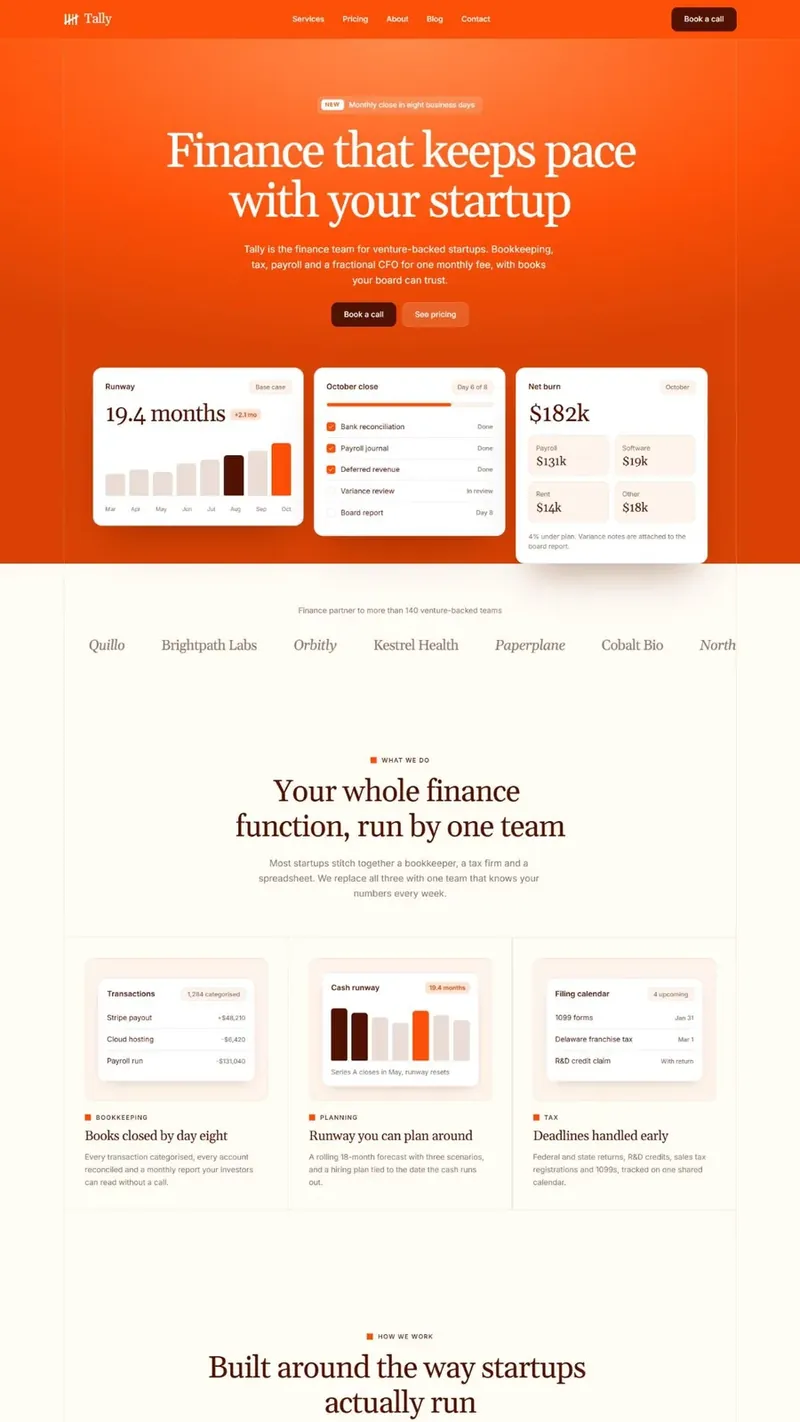
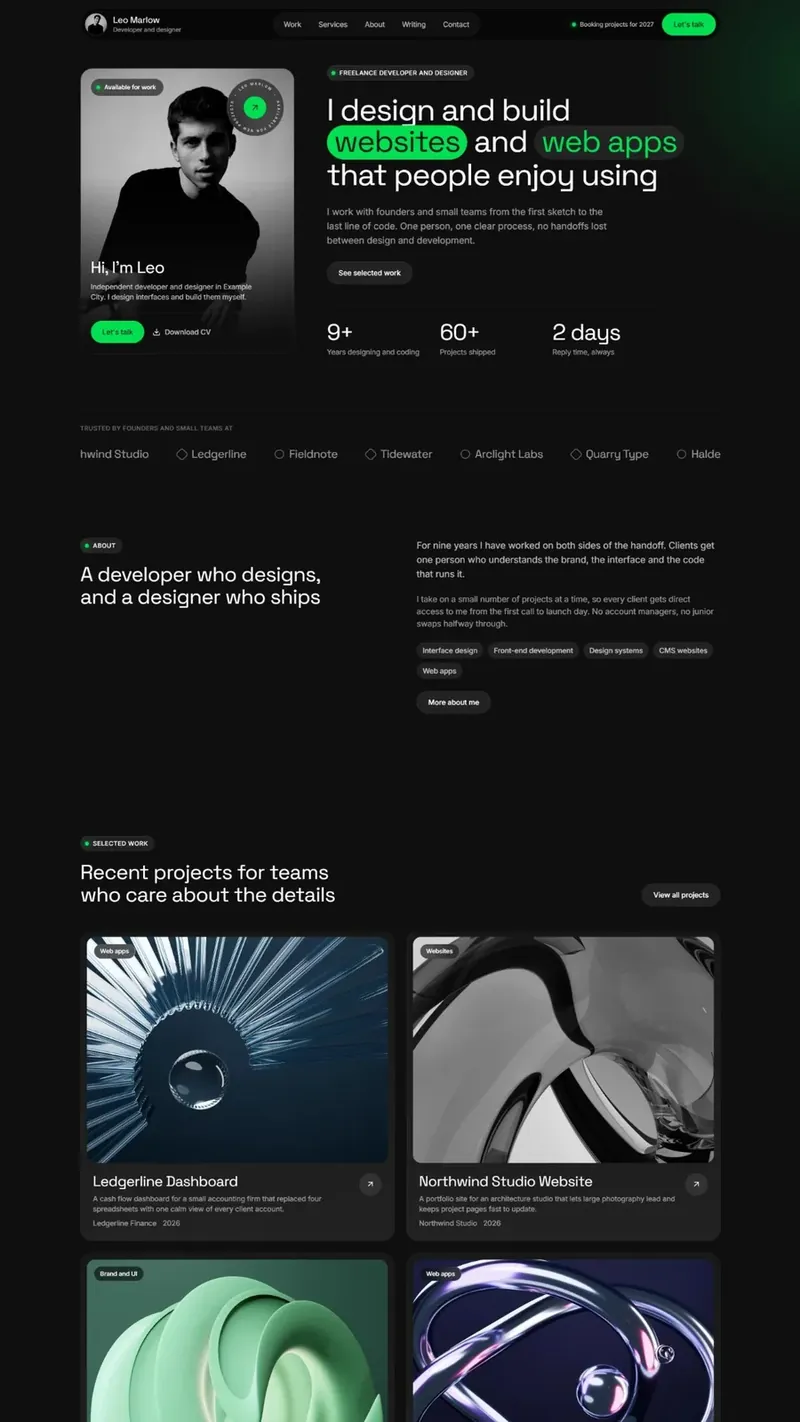
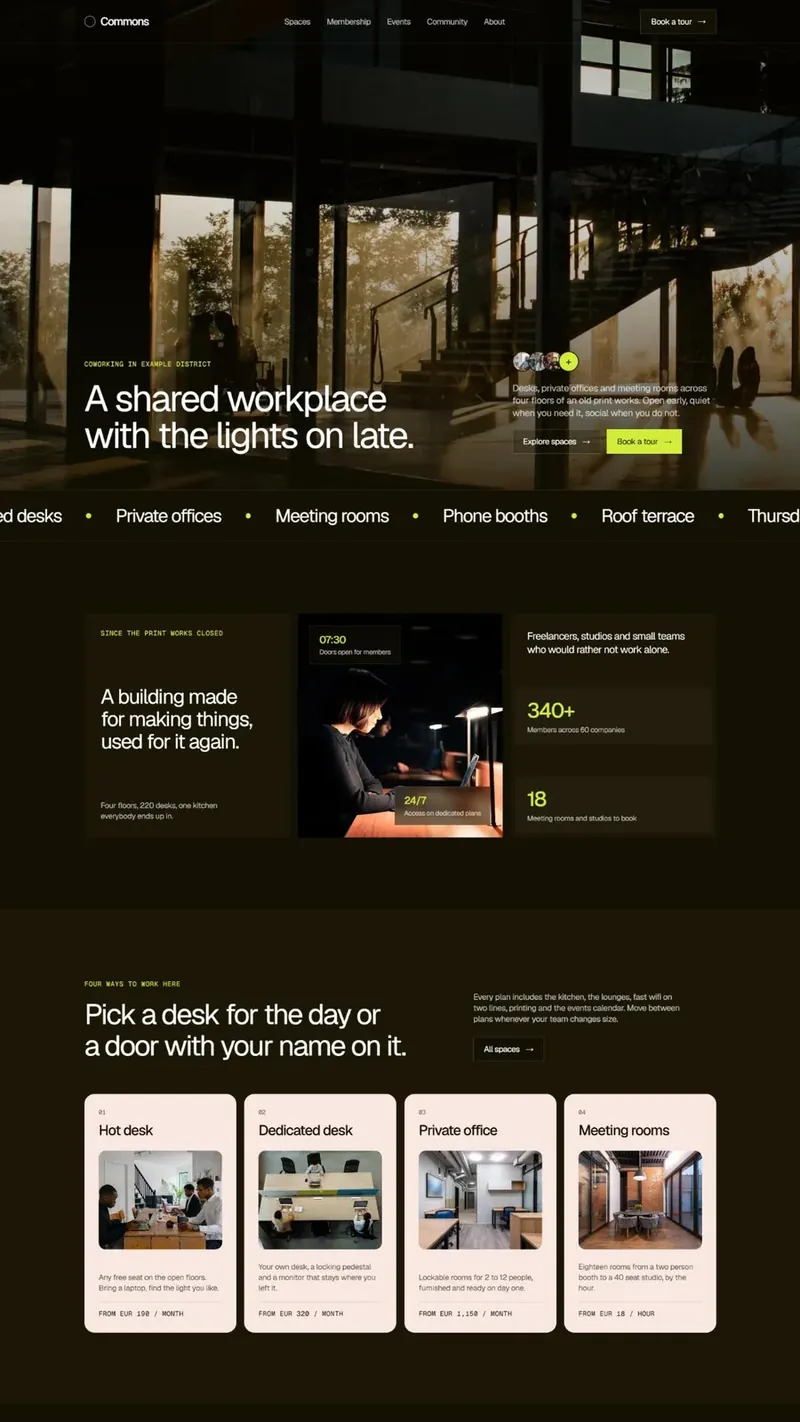

+ / 004 /Designer
Prefer to click? Open the Designer.
The same project opens in the visual Designer. Change any detail by hand, then go back to the chat.
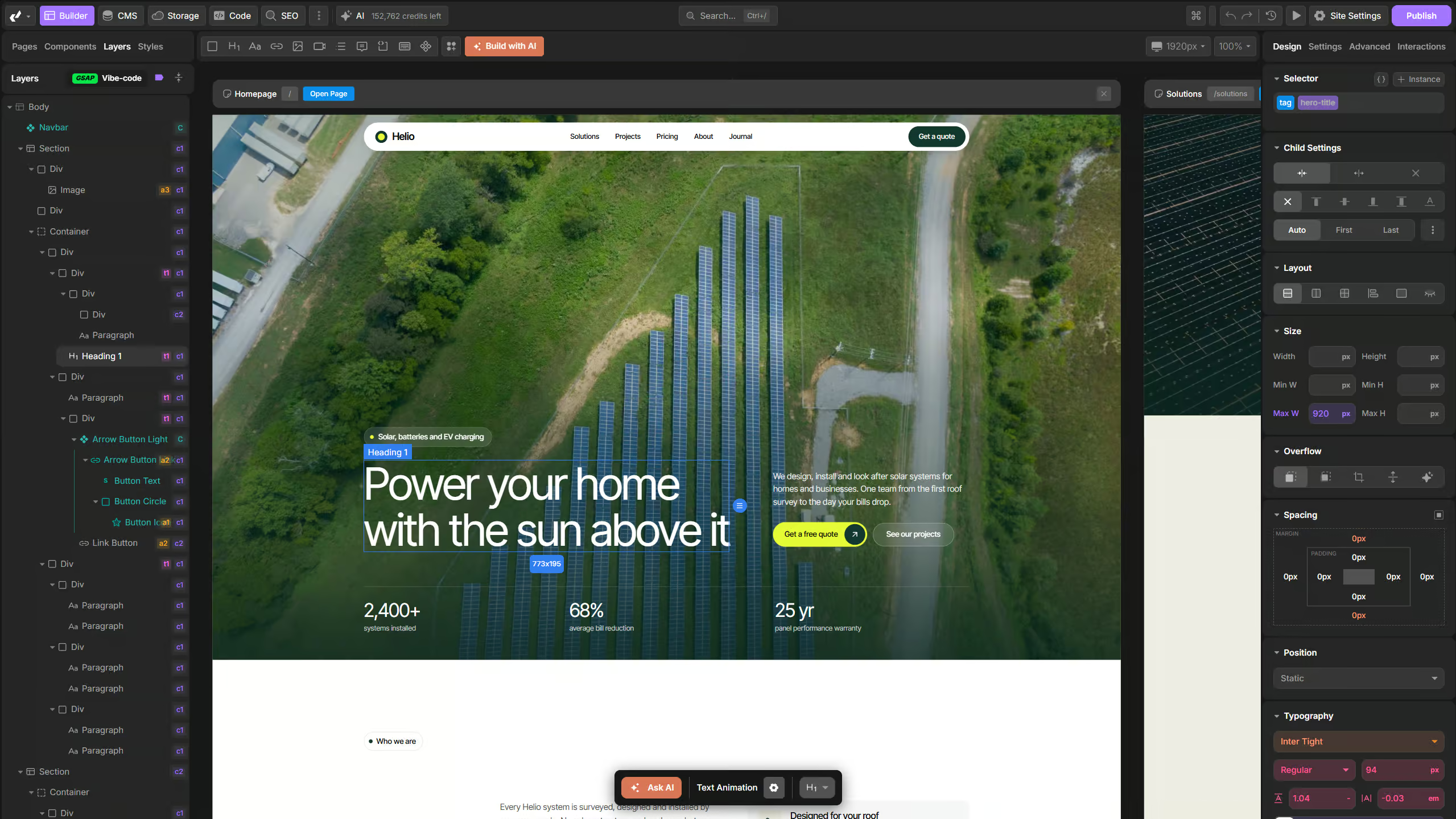

Set global styles
Define your brand colors, fonts, text sizes and buttons once.

Build your pages
Use the pages from your template or make your own, and add sections as you need them.

Switch anytime
AI Studio and the Designer are two views of the same site, so you can use both.
+ / 005 /FAQ
Common questions.
Do I need to know how to code?

What do I need to set up first?
Can I use my own domain?
Do I pay to build?
How do AI credits work?
Can I make changes by hand?